Explore the student learning spaces
Use this student hub to move into strand areas, explore inquiry pathways, and find practical digital learning support across the curriculum.
⭐ Most Used Websites
Beat the Arcades. Collect the Shards. Crack the Boss Vaults.
Every single strand in our curriculum features a playable 5-mode Arcade Review Game. Completing all levels in a strand reveals a secret Code Shard — collect all code shards across an Area to crack the security vault and unlock that domain's Capstone Boss!
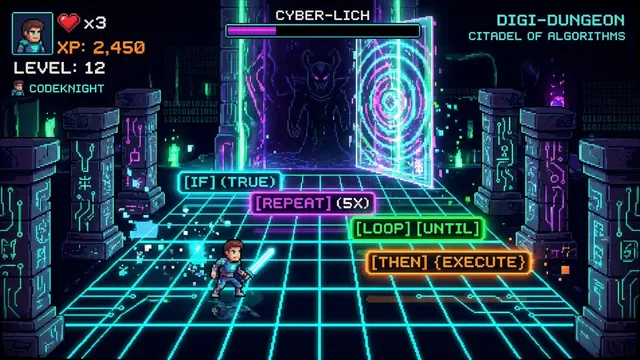
CodeQuest: Citadel of Algorithms
Dungeon algorithm crawl! Master loops, conditional branches, and coordinate physics to defeat the bug boss.
Enter CodeQuest Vault→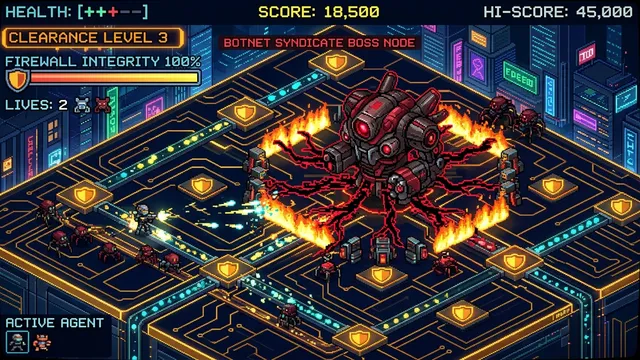
Cyber Agent: Sector Lockdown
Top-down cyber grid defense! Defend private credentials, deflect phishing traps, and neutralize the botnet.
Enter Cyber Agent Vault→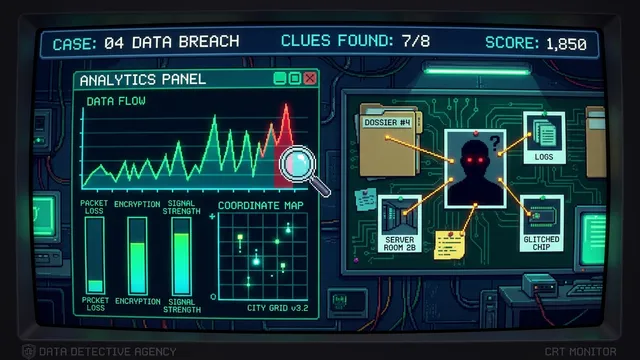
Data Detective Agency
Forensic data analytics! Filter breach databases, compute math formulas, track GIS coordinates, and crack the mystery.
Enter Data Detective Vault→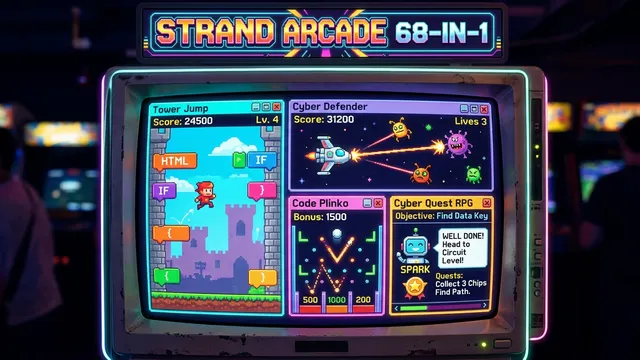
Strand Arcade Cabinets (68-in-1)
Every strand has a playable cabinet! Choose from Story RPG, Cyber Terminal, Tower Jump, Cyber Defender, or Pinball.
Try Sample Strand Games↓Learning areas
Curriculum Strands
Jump straight into any technology curriculum area to explore step-by-step learning pathways.
🖱️ Daily Skills
Foundational computer habits, keyboarding, file management, and navigation skills.
🖌️ Create & Design
Digital creativity, word processing, graphic layouts, websites, and 3D spatial design.
📊 Data
Data handling, spreadsheets, formulas, surveys, and spatial analytics.
🎨 Media
Audio production, vector graphics, image editing, video, and 3D modeling.
🔌 Devices
Hardware, inputs, outputs, networks, operating systems, and AI fundamentals.
💻 Coding
Algorithms, block programming, loops, debugging, and text-based coding.
🛡️ Online Safety
Cybersecurity, digital footprint, privacy, encryption, and safe digital citizenship.
📱 App Guides
Guided tutorials and sandboxes for Scratch, Code.org, Blockly, and VR Delightex.
🌍 PYP
Inquiry cycles, thinking routines, and ATL digital integration across Units of Inquiry.
📚 Subjects
Interactive simulators, labs, and dedicated subpages for non-ICT subjects like Civics & Humanities.
Student Learning Spaces & Tools
Explore More Student Resources
Access our dedicated student learning spaces, interactive sandboxes, and visual synthesis guides: